

Your First 30 Days of Shopify A/B Testing (No Guesswork)
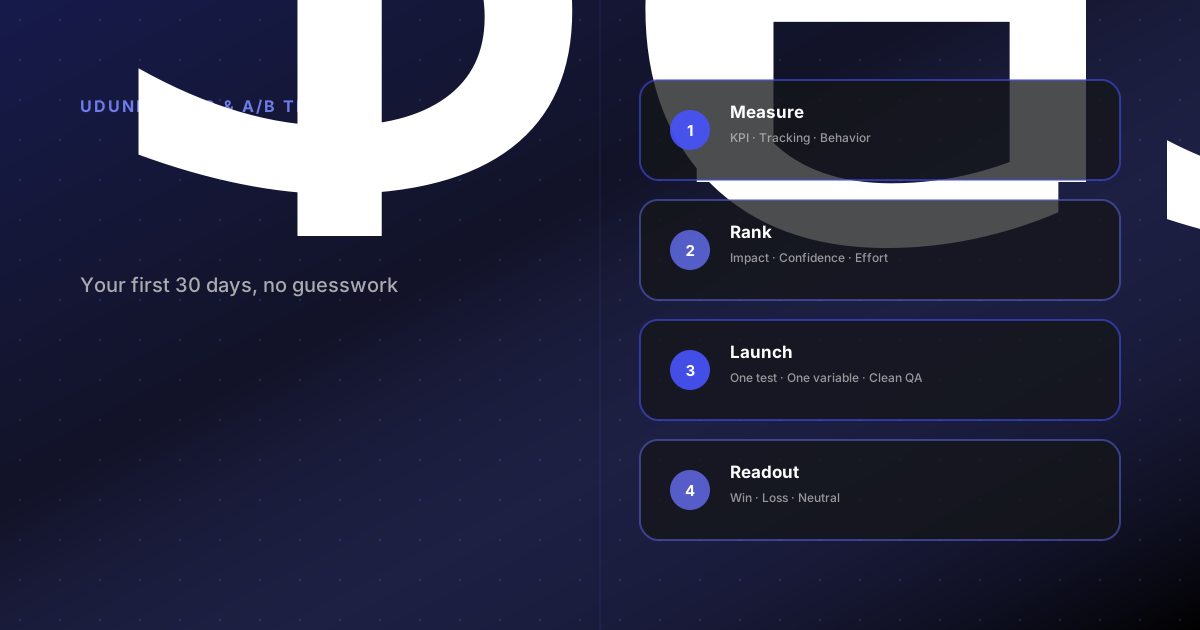
A practical 30-day roadmap for Shopify A/B testing, including setup, prioritization, and low-traffic guidance for conversion rate optimization ecommerce teams.
Most brands do not fail at Shopify A/B testing because they run bad ideas. They fail because they start testing before the store is ready to learn.
Tracking is messy. The hypothesis is vague. Three people want to test three different things. Two weeks later, nobody trusts the result. That is how conversion rate optimization ecommerce work turns into opinion again.
The fix is a tighter process. In your first month, the goal is not to build a giant experimentation program. It is to get one clean learning loop running: baseline the funnel, prioritize one useful idea, launch one valid test, and document what to do next. That is enough to start real ecommerce experimentation instead of guessing.
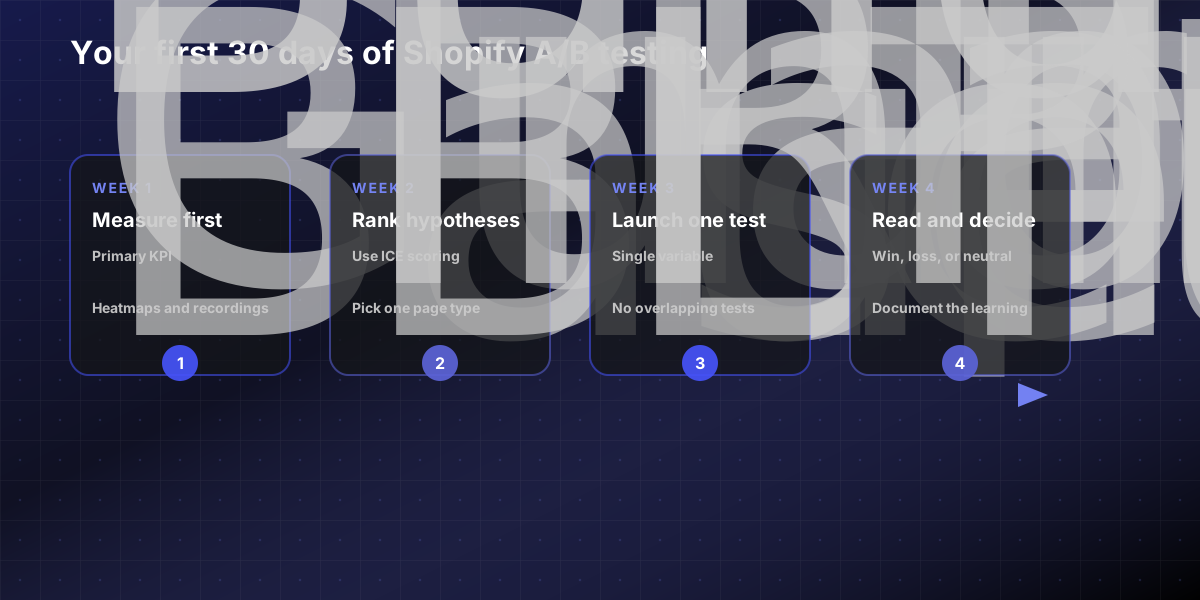
Week 1: set up measurement before you test anything
The first week is about getting the scoreboard right.
Shopify's own A/B testing guidance still comes back to the same basics: a clear goal, a clear hypothesis, and a controlled test environment. If you cannot trust the data, do not ship a variant yet.
For most Shopify stores, week one should cover:
Pick one primary KPI for the first test: purchase rate, add-to-cart rate, checkout start rate, or email capture rate.
Define guardrail metrics so you do not create a local win and a business loss: AOV, bounce rate, error rate, or revenue per visitor.
Confirm your tracking stack is stable across desktop and mobile.
Get behavioral visibility in place through heatmaps and recordings.
That fourth point matters. Microsoft Clarity is useful here because it supports Shopify, offers heatmaps and session recordings, and does not require a paid tier to get started. It also gives you concrete signals like rage clicks, dead clicks, and scroll behavior that are useful when you are deciding what to test first.
One practical warning: if you operate in consent-required regions, your analytics and replay tools only tell the full story when consent handling is configured correctly. Broken consent setup means fragmented journeys, which weakens your analysis before the experiment even starts.
Week 2: build a test backlog and rank it ruthlessly
Most first-month testing programs get stuck here because the backlog becomes a wish list.
Do not collect ideas in a random doc. Score them. For a first 30 days Shopify A/B testing roadmap, a simple ICE model is enough:
Impact: if this works, how much could it move the KPI?
Confidence: how strong is the evidence from analytics, recordings, or user feedback?
Effort: how much design, dev, QA, and approval work will this take?
Good early tests usually live on high-traffic, high-intent pages: product pages, cart, collection templates, or campaign landing pages. Weak first tests usually chase tiny copy tweaks on low-traffic pages where nothing can reach significance.
Use real friction to feed the backlog. If recordings show dead clicks on a size guide, that can support a product page test. If users abandon right after seeing shipping cost, that can support a cart or threshold message test. If paid traffic lands well but product-page engagement is weak, test hierarchy, social proof, or image sequence before rewriting the whole brand story.
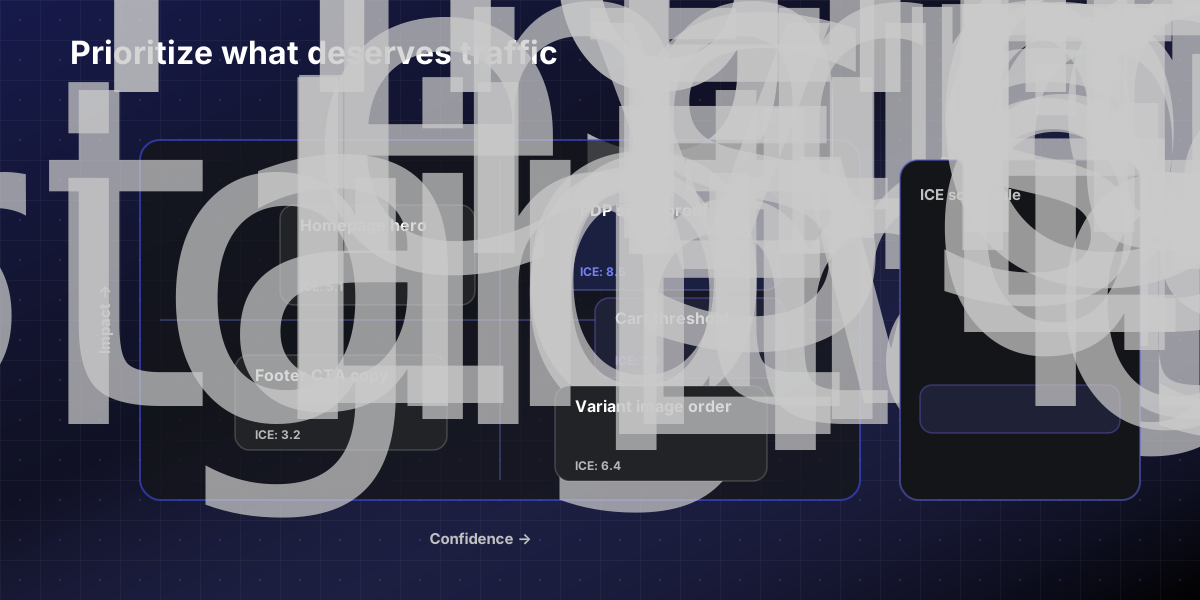
Here is a copy-paste board for your first month:
30-DAY SHOPIFY A/B TESTING BOARD
Primary KPI: Guardrail metrics: Page or template: Audience: Hypothesis: Control version: Variation version: Why this should work: ICE score: Start date: Planned stop date: Result: win / loss / neutral What we learned: Next test:
This is the point where a lot of teams realize they need implementation support, not just ideas. If that is happening already, our Shopify A/B testing team can usually tell you in one review whether the blocker is analytics, design, development, or traffic volume.
Week 3: launch one clean test, not three messy ones
By week three, your first experiment should be ready to go live.
Keep the test clean. Shopify's own guidance is explicit here: in a proper A/B test, the versions run in the same timeframe to randomly selected visitors, and you should isolate a single variable. That is what turns the result into a useful decision instead of a bundle of confounding changes.
This is also where tooling reality matters. Google Optimize has been sunset since 2023, so most teams now run website testing through third-party experimentation tools while keeping analysis tied to GA4, Shopify analytics, and behavior tools like Clarity.
For the first live test, keep these rules in place:
Run one test on one page type for one core audience.
Avoid overlapping tests on the same template or traffic segment.
Do not launch during a promo, theme update, or tracking migration.
QA the control and variation on mobile before traffic starts splitting.
Decide the stop rule before launch.
Shopify recommends that many A/B tests run for at least two weeks so weekday and weekend behavior both show up in the sample. That matters even more when the first test is on a purchase path, where traffic can swing by device, campaign mix, and promotion cadence.
What low-traffic stores should test first
This is where most first-month roadmaps get unrealistic. A true ecommerce experimentation plan for low traffic stores cannot rely on tiny changes and fast significance.
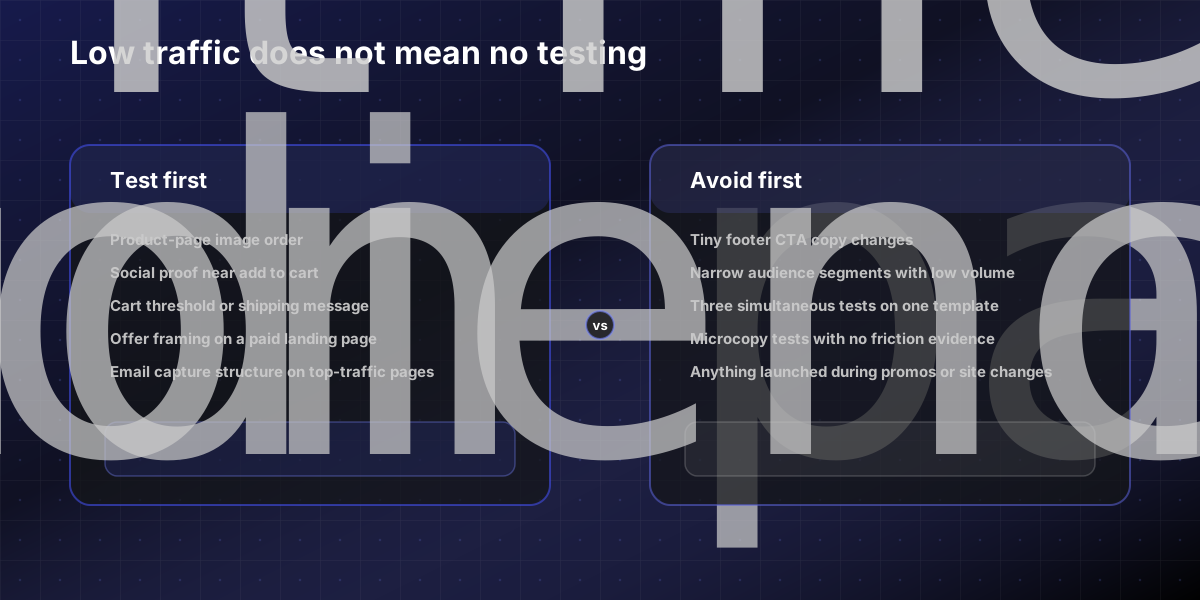
If traffic is limited, test bigger differences on pages that matter most. Good examples:
Default product image order
Social proof placement near add to cart
Bundle framing versus single-item framing
Free shipping threshold messaging in cart
Email capture offer structure on a high-traffic landing page
Poor low-traffic tests include microcopy swaps that only a few hundred visitors will ever see, or segmenting the audience so narrowly that the result never stabilizes.
In other words, low traffic does not mean you cannot do conversion rate optimization ecommerce work. It means your changes need to be more meaningful, your audience broader, and your patience longer.
Week 4: read the result, then decide the next move
A first experiment only pays off if the readout changes what the team does next.
When you close the test, do not stop at "variant B won." Look at:
Did the primary KPI improve?
Did any guardrail metric get worse?
Was the impact meaningful enough to ship broadly?
What customer behavior does the result suggest?
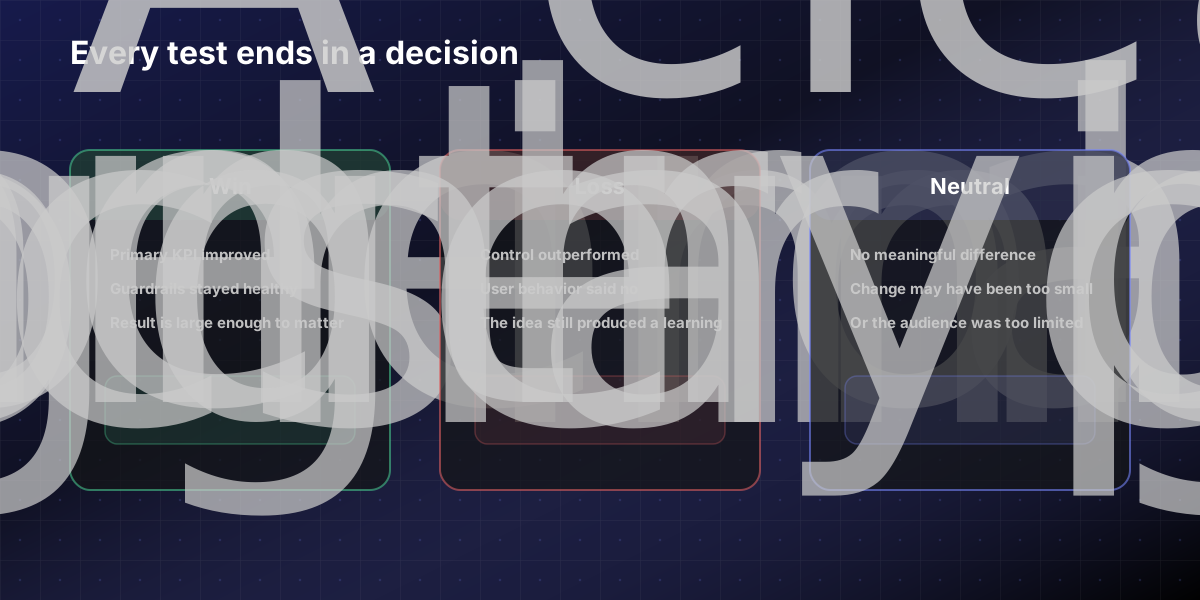
You will usually end up in one of three buckets:
Win: ship it and apply the learning to similar pages.
Loss: keep the control and record why the idea failed.
Neutral: treat it as a signal that the change was too small, the traffic was too low, or the hypothesis missed the real friction.
That last case is common. A neutral result is not wasted work if it helps the team stop arguing about the wrong thing. It also gives you cleaner input for the next round of prioritization.
Share the readout with stakeholders immediately. If you want buy-in for a longer program, this is where it comes from. Consistent, documented learnings beat one flashy dashboard every time. If you need proof that execution quality matters, the best validation is usually in the outcomes and responsiveness clients talk about on our testimonials page.
The bottom line
The first month of Shopify testing should feel narrower than you expect. That is a good sign. You are not trying to test everything. You are building a repeatable system: measure the right thing, prioritize the right idea, launch one clean experiment, and turn the result into the next decision.
If your store is ready for testing but the stack, QA process, or experiment design is still fuzzy, our A/B testing team can help structure the program and implement the tests end to end. If you want a second opinion on what to test first, contact us and we will review the funnel with you. Sources (primary)
Shopify Help Center — A/B testing guidance: https://help.shopify.com/en/manual/online-store/themes/theme-testing/a-b-testing
Microsoft Clarity for Shopify (heatmaps and session recording): https://clarity.microsoft.com/
Google Search Central — GA4 measurement and analytics: https://developers.google.com/analytics
FAQs
How long should a Shopify A/B test run?
Shopify recommends at least two weeks so that weekday and weekend behavior both appear in the sample. For stores with lower traffic, tests often need to run longer to reach a reliable result. Setting a stop rule before launch — based on time or minimum sample size — prevents the temptation to call a winner too early.
What should I A/B test first on my Shopify store?
Start on high-traffic, high-intent pages: product pages, the cart, or a primary collection template. Test meaningful differences — social proof placement, image sequence, shipping threshold messaging, or bundle framing — rather than small copy tweaks that will never reach significance. Use analytics and session recordings to identify where real friction exists before choosing a hypothesis.
Can low-traffic Shopify stores do conversion rate optimization?
Yes, but low-traffic stores must prioritize bigger, more impactful changes rather than micro-tweaks. Broader audiences, cleaner hypotheses, and longer test durations all improve the odds of a result you can act on. A neutral result on a meaningful change is still useful; a neutral result on a headline color swap is not.
What A/B testing tools work with Shopify now that Google Optimize is gone?
Google Optimize was sunset in 2023. Most teams now run experiments through third-party experimentation platforms and keep analysis tied to GA4, Shopify's native analytics, and behavior tools like Microsoft Clarity. The right tooling depends on traffic volume, the complexity of the variant changes, and whether implementation support is in-house or external.