

Building a Shopify App Stack: Essential Shopify Apps for Growth Brands
Build a Shopify app stack that supports growth without slowing your storefront. This guide covers Shopify apps, Shopify app integration, and the best Shopify apps for conversions.
Most growth brands do not have a Shopify apps problem. They have a prioritization problem.
Add enough tools without a Shopify app integration plan and the store gets slower, reporting gets murkier, and the best Shopify apps for conversions get buried under duplicate features. What looked like a growth stack turns into monthly overhead.
The fix is not to avoid apps. It is to treat your stack like infrastructure: every app needs a clear job, a measurable outcome, and a reason to stay installed. Shopify itself notes that every feature you add to the storefront, including apps, can affect web performance. That is the right starting point for any merchant trying to scale cleanly.
Start with business jobs, not app categories
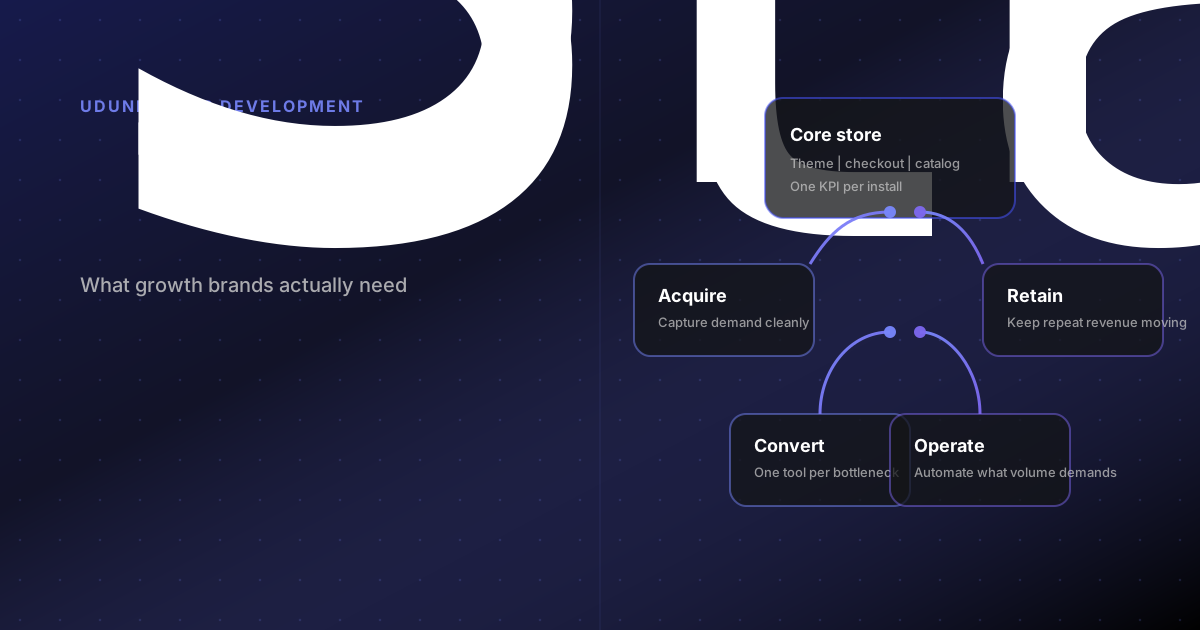
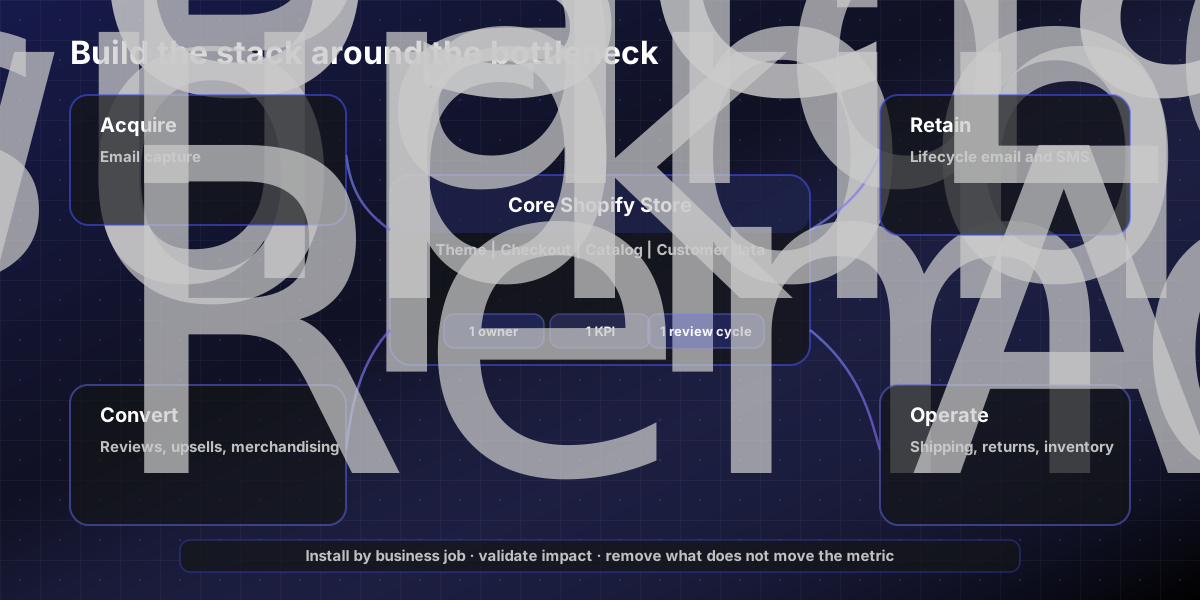
Before you install anything, define the job the app has to do inside your funnel. For most growth-stage Shopify brands, the stack usually falls into four lanes:
Acquire demand: email capture, paid channel sync, feed management, affiliate or influencer tooling.
Convert traffic: reviews, upsells, quizzes, merchandising, search, back-in-stock, subscriptions.
Retain customers: lifecycle messaging, loyalty, SMS, replenishment, customer account enhancements.
Run operations: shipping, inventory, returns, ERP sync, support workflows, reporting.
If paid traffic is rising but product pages convert poorly, more acquisition apps will not help. Strong app decisions follow the bottleneck.
The must-have layer for most growth brands
Most stores need a lean base layer that covers trust, lifecycle, measurement, and one conversion lever.
For many Shopify teams, the must-have stack looks like this:
Reviews or UGC so product pages answer objections and build trust.
Email and SMS lifecycle for welcome, abandoned cart, post-purchase, and win-back automation.
Measurement and attribution so merchandising and media teams can see what is working.
One focused conversion app such as post-purchase upsell, back-in-stock, or merchandising search, depending on the business model.
If two apps solve the same job, favor the one with a cleaner integration footprint and stronger quality signal. The Built for Shopify badge is useful here: Shopify says those apps meet stricter requirements for performance, design, and integration, and cannot reduce storefront speed by more than 10 performance points.
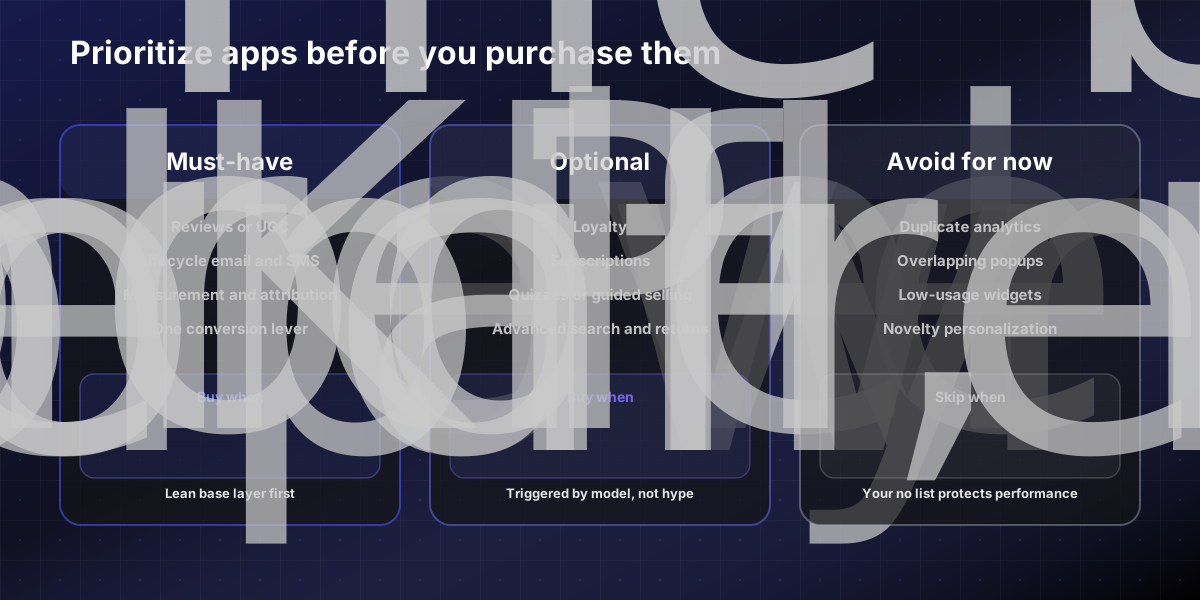
Use this simple prioritization table before you install anything new:
Bucket | What belongs here | Good reason to buy | Warning sign |
|---|---|---|---|
Must-have | Reviews, lifecycle email/SMS, attribution, one conversion app | It solves a current revenue bottleneck | You already have another tool doing the same job |
Optional | Loyalty, subscriptions, quizzes, advanced search, returns, B2B tools | Your model clearly depends on it | You are adding it because competitors have it |
Avoid for now | Popups on top of popups, overlapping analytics, low-usage widgets, novelty personalization | Rarely justified early | No owner, no KPI, no cleanup plan |
Optional apps only when the model justifies them
Optional apps are valuable only when they answer a real merchandising or retention need.
Subscriptions make sense when replenishment is native to the product, not when you are forcing recurring revenue onto a one-off purchase pattern.
Quizzes work when discovery friction is high, such as skincare, supplements, technical gear, or variant-heavy catalogs.
Loyalty apps help when margin structure and repeat cadence support the program.
Advanced search, returns, and shipping automation usually earn their place once assortment or order volume makes manual handling expensive.
Compare native Shopify capability against external tooling before you buy. Installing a new app before checking the theme, checkout, or customer accounts is expensive habit, not systems thinking.
What to avoid when app bloat starts creeping in
App bloat usually shows up as a slow accumulation of "helpful" tools.
Watch for these patterns:
Two review, search, or analytics tools solving the same problem.
Widgets that look impressive in demos but nobody on the team actively uses.
Pricing that lives outside your normal Shopify bill and gets forgotten.
Apps with weak support histories or unclear update paths.
Old tools that remain installed after a campaign, migration, or redesign.
There is a technical reason to stay disciplined. Shopify's help documentation is direct: apps that are not kept current with Shopify's API cycle can become unsupported, and Shopify releases new API versions every three months. If a developer does not keep pace, the app can stop working as expected.
Your Shopify app integration checklist for performance
Copy this and use it as your review gate for every new app:
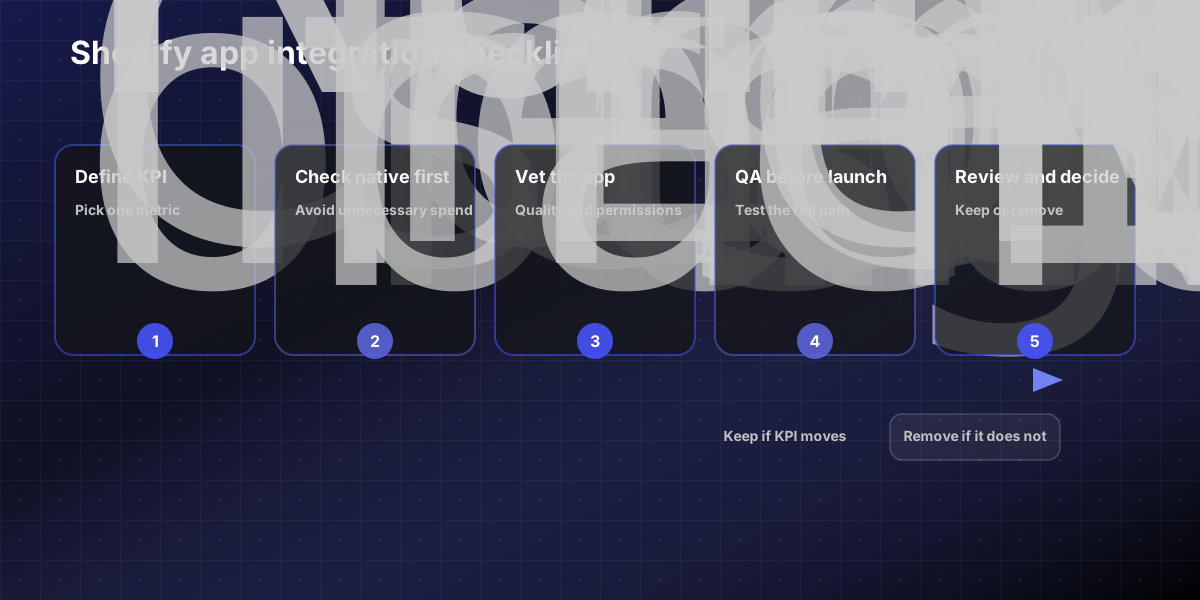
SHOPIFY APP INTEGRATION CHECKLIST
□ Define the single KPI this app should move. □ Check whether Shopify already offers the feature natively. □ Prefer Built for Shopify options when two tools are otherwise comparable. □ Review the storefront impact: scripts, widgets, app blocks, and page templates touched. □ Confirm permissions, especially if customer or order data is involved. □ Verify whether billing runs through Shopify or through the vendor separately. □ Install on a duplicate theme or controlled staging workflow first. □ QA mobile PDP, cart, checkout, customer account, and post-purchase flows. □ Measure results after 14 to 30 days. □ Remove the app if it is redundant, unused, or not moving the KPI.
This checklist keeps teams honest and gives growth, marketing, and development one shared decision standard.
When custom app development is better than adding another subscription
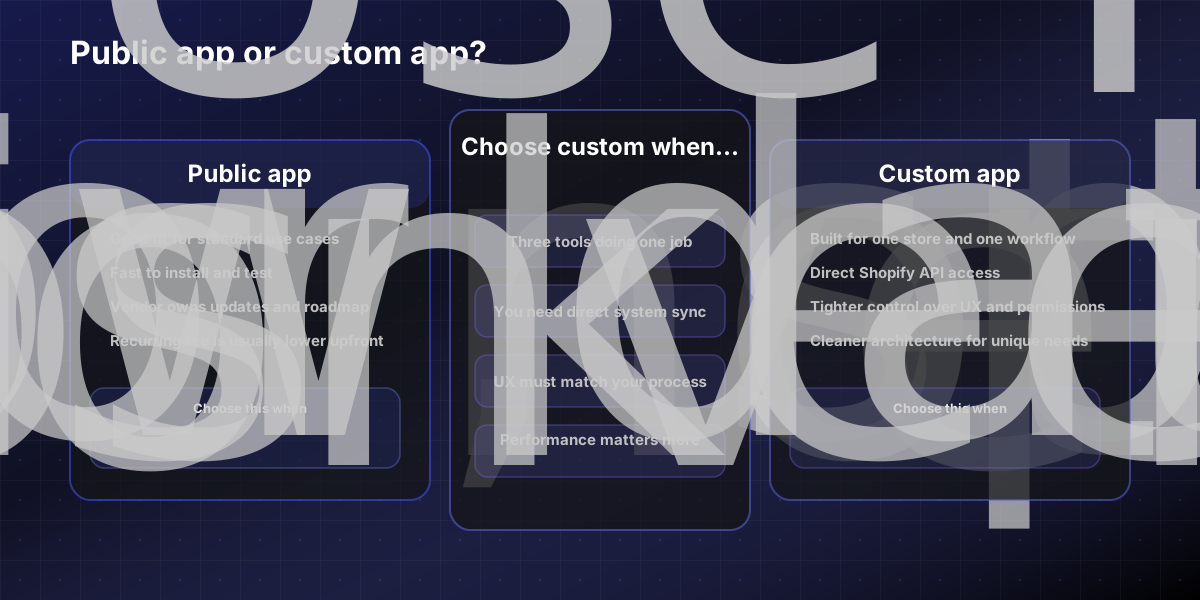
Shopify distinguishes between public apps and custom apps for a reason. Custom apps are built specifically for one store and can add admin functionality, access store data directly through Shopify APIs, or support external systems. That becomes useful when your workflow is unique enough that off-the-shelf tooling keeps forcing compromises.
Consider custom app development when:
You are stitching together multiple apps just to approximate one internal workflow.
Your operations team needs cleaner ERP, CRM, or fulfillment sync.
Your merchandising logic is specific to your business and not well served by marketplace tools.
You want tighter control over performance, UX, and permissions than a generic app gives you.
A custom build is not automatically cheaper, but it can be cleaner when the stack has expanded faster than the system design.
The bottom line
The right Shopify app stack is smaller than most merchants think. Install for bottlenecks, not curiosity. Keep the must-have layer lean, add optional tools only when the business model justifies them, and treat every app as something that has to earn its place.
If your current stack feels crowded, slow, or hard to trust, it is usually a sign that you need better integration strategy before you need more software. If that review surfaces gaps in performance, data flow, or custom workflow needs, our Shopify app development team can help map the right architecture. We also support Shopify store setup and CRO experimentation when the issue is broader than the app layer alone. If you want a second set of eyes on the stack, contact us for a free review.
Sources (primary)
Shopify Help Center — Built for Shopify program requirements: https://help.shopify.com/en/partners/guide/store-apps/built-for-shopify
Shopify API versioning and release cadence: https://shopify.dev/docs/api/usage/versioning
Shopify Help Center — Custom apps overview: https://help.shopify.com/en/manual/apps/custom-apps
FAQs
How many Shopify apps does a growth brand actually need?
Most stores need five to ten apps at most. The must-have layer — reviews or UGC, email and SMS lifecycle, attribution, and one focused conversion tool — covers the majority of the job. Every additional app adds overhead, potential performance impact, and another monthly charge. More installs is not the same as better results.
What are the best Shopify apps for conversions?
It depends on where the funnel breaks down. For most growth brands, a reviews app, an email and SMS platform, and one upsell or back-in-stock tool handle the core conversion layer. The best app is the one that solves your current bottleneck — not what a competitor has installed. The Built for Shopify badge is a useful quality signal when two comparable tools are otherwise equal.
How does Shopify app integration affect storefront speed?
Every app can add scripts, widgets, app blocks, or template changes that affect page load time and Core Web Vitals. Apps with the Built for Shopify badge are held to stricter performance standards — they cannot reduce storefront speed by more than 10 performance points. Apps that fall behind Shopify's API release cycle (which updates every three months) can also introduce stability and compatibility issues over time.
When does a custom Shopify app make more sense than a public one?
When your workflow or data model is specific enough that public apps keep requiring compromises. If you are stitching together three tools just to approximate one internal process, a custom build usually produces a cleaner, faster, and more maintainable result. It is not automatically cheaper, but it can reduce total stack complexity when the situation calls for it.